Hiding spots and camouflage that hold up
Unofficial fan wiki · facts checked July 7, 2026
A good spot in Paint To Hide is not a hidden corner — it is any surface you can convincingly become. Here is how to choose one and paint it right.
Pick the surface before the spot
Choose the surface you can copy, not the corner that feels safe. Busy textures — patterned walls, cluttered props, transition strips between two colors — hide outline mistakes that a flat, bright wall exposes. Corners feel safe but concentrate seeker attention, because every seeker checks them out of habit. Mid-wall positions in plain sight survive longer than the spot everyone thinks of first.
Color matching and outline control
Match tone first, then worry about detail — a slightly wrong shade at the right brightness beats a perfect color that is too dark. Your silhouette is the bigger tell: pick a pose that merges your edges with the prop or wall line behind you. Two hiders on the same wall can have opposite odds purely on pose discipline. Numbers like exact paint values change with updates, so learn the principle, not a recipe.
Grade yourself with the free cam
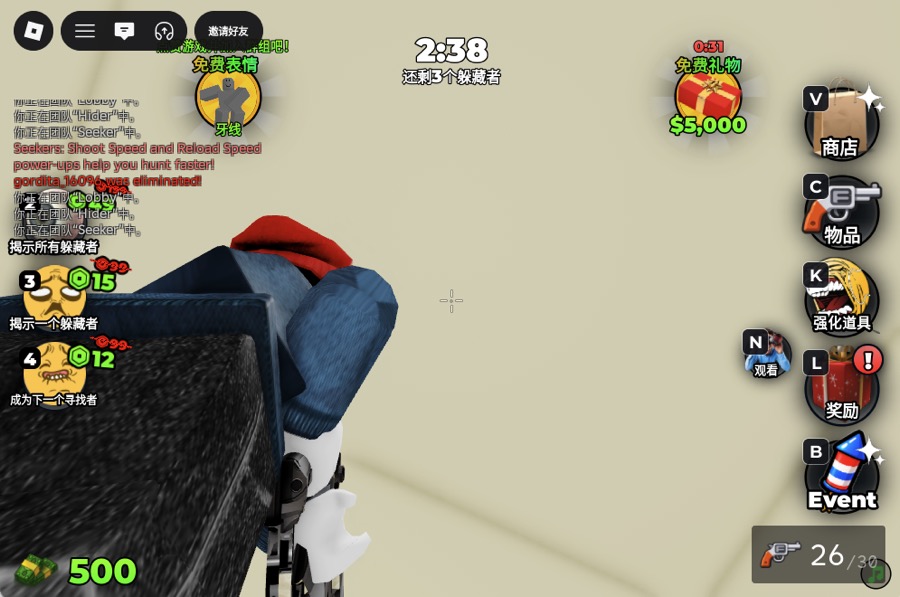
Press Shift + P, fly the camera to the doorway a seeker will enter from, and look for yourself. If your own eyes find you in a two-second scan, a seeker will too — repaint or reposition. This one habit is worth more than any list of secret spots, because it works on every map, including ones added after this guide.
The line between clever and bannable
Creative camouflage is the whole game; exploiting the paint system is not. The developer's own page warns that paint-system abusers get banned and asks players to report them to Roblox. If a trick only works because it breaks the painting mechanic — rather than using it well — treat it as off-limits. This guide will never include exploit-based spots, and that is a feature, not a gap.
FAQ
What is the best hiding spot in Paint To Hide?
There is no fixed best spot — seekers learn popular ones within a day. The durable answer is any busy-textured surface away from corner clichés, painted to tone-match and checked with the Shift + P free cam from a seeker's approach angle.
Does your paint have to match exactly?
No. Brightness and tone matter more than an exact color value, and a pose that hides your outline covers small color errors. Exact thresholds are the game's internals and shift with updates, so aim for close-and-still rather than perfect.